Workouts
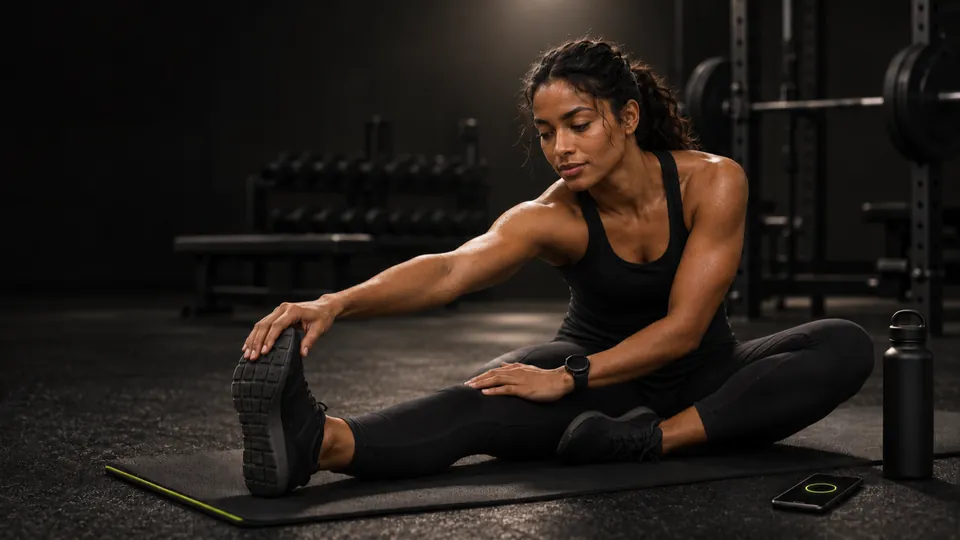
- Add a Warm-up and a Cool-down around your main Workout. Only the Workout counts toward volume, records and muscle sets.
- Run a guided cool-down timer: a get-ready count, a hold for each side, Pause, +15 s and Skip. Start cool-down takes the place of Finish after your last set.
- Finished without stretching? Stretch now on the Summary takes you back in to add a cool-down. Warm-up and cool-down timers also shrink to a small bar, like the rest timer.
- Have Vivrep fill your warm-up and cool-down from the day’s muscles. You set the suggested length in Settings (Suggested warm-up and Suggested cool-down, 5 minutes each by default).Pro
- Search your saved workouts, and filter them by gym or by length.
Today and planning
- Reschedule a planned workout to another day this week or next. Reset week puts the saved schedule back.
- Missed a program day? Choose Shift this week to do it today and slide the rest along, or Skip it. Reset week undoes a shift.
- Wave programs now end every third cycle with a training-max retest. The week-3 AMRAP proposes 90% of its estimated 1RM, and the Summary offers Accept or Keep current.
Training load
- Today shows High load or Too much when you have trained many days in a row, or your sets jump well above your usual week. Tap it to see why.
- Make today lighter cuts today’s working sets by about a third, with an Undo.
- History tiles turn orange or red on those days, and workout reminders soften or skip for the next two days.
- The flag also shows on the Apple Watch complication and the Today widget.
- Today also flags a planned workout when half or more of its muscles are still fatigued.Pro
Progress and history
- All personal bests lists every record you have ever set, newest month first. Tap a row to open its workout.
- A Monthly tonnage chart shows the total weight you lifted in each calendar month.
- Months older than the last 8 weeks in Monthly tonnage.Pro
- An Average workout profile in Progress shows your heart rate across your last 8 workouts, with the middle half shaded.Pro
- Heart rate by set on each exercise’s progress page shows the average heart rate and the drop in rest for each set number.Pro
Apple Watch, widgets and Siri
- Start a workout, log your body weight or start rest with Siri: “Start my workout in Vivrep”, “Log my weight in Vivrep” or “Start rest in Vivrep”.
- Run the same actions from Shortcuts, Spotlight or the Action button.
- Add Start workout and Start rest controls to Control Center or the Lock Screen.
- On Apple Watch, a groups page beside the set page lets you tick off, skip and time your warm-up and cool-down on your wrist.
- The Live Activity and the widgets show your warm-up and cool-down too.
Body and Physique
- Adductors are their own muscle group. Hip adduction and inner-thigh moves count toward it instead of quads, in the filter, the muscle map, volume and recovery.
- Muscles with no target are drawn dotted on the muscle map, with a No target note in the legend.
- Set your own Weekly targets with a wheel for each muscle, and Reset to defaults whenever you like.
- Edit starting lifts (under Strength standards) lets you change your starting bench, squat, deadlift and overhead press numbers, with a weight keypad.
- Physique guides now come in a female figure as well as the male one, and the picker shows both.
- A body fat reading you type is saved to Apple Health, and edited or deleted along with the entry.Pro
Data and settings
- Import Hevy tab-separated (.tsv) exports as well as CSV.
- Export for AI chat builds a summary of the last 4 weeks, 12 weeks or all of your history to copy and share. Vivrep never connects to an AI service itself.
- A Smart set suggestions switch in Settings turns the overload chips, hints and holds off.Pro
- Suggested muscles in Settings has a switch for each muscle, so you choose which ones Vivrep may suggest.
- A What’s new sheet appears once after an update. It never shows on a fresh install.
Fixes and polish
- The Back up row shows how many workouts you have done since your last backup, and the reminder’s Dismiss now lives in the Back up sheet.
- Finishing a workout with no sets logged offers Discard this workout.
- The Previous column shows estimates from your profile before you have any workout history.
- Free accounts see one small Pro card on the Summary at a time, and you can dismiss it.
- Per-side weight boxes no longer end in “/side”.